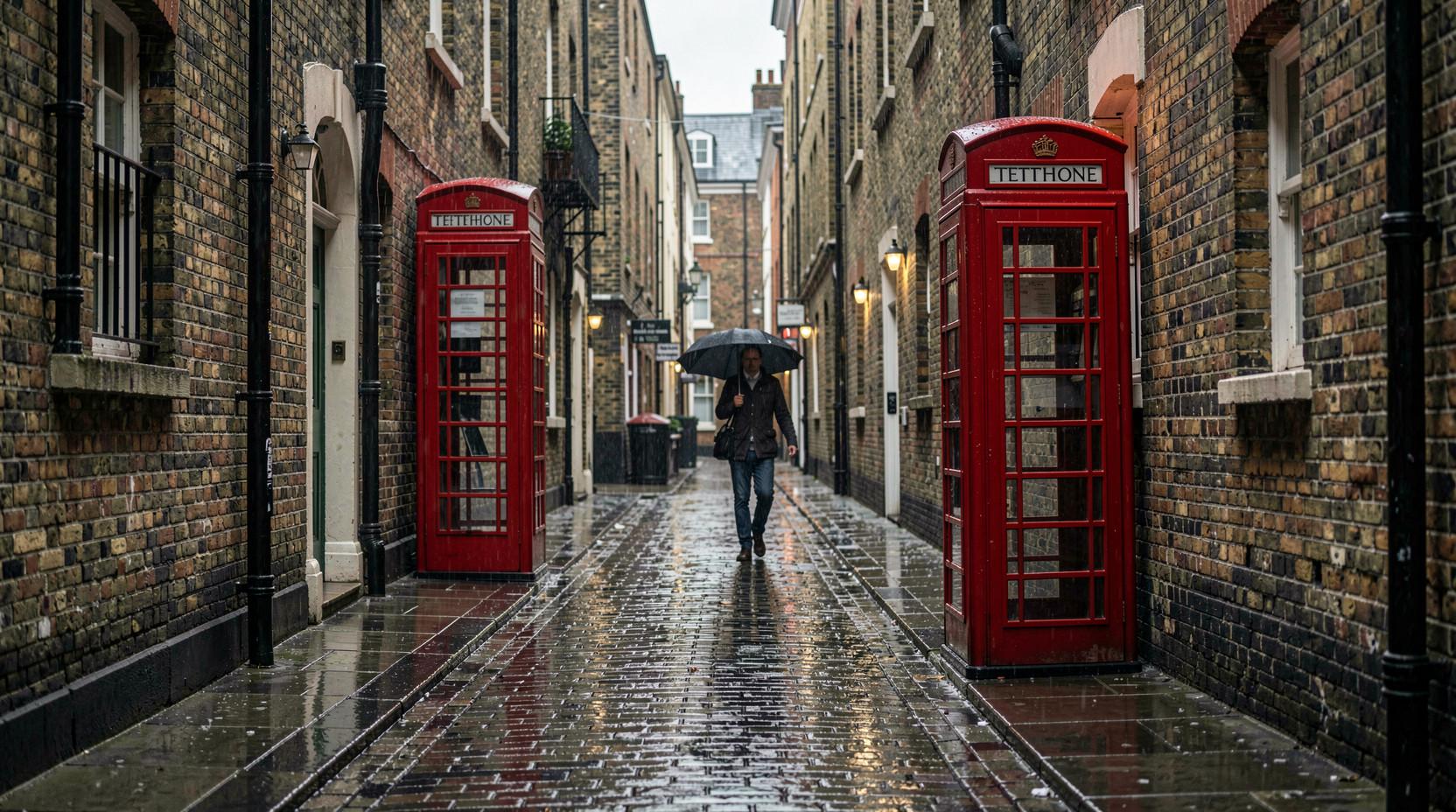
01 / Get familiar
What you’ll practise.
A traffic scene is shown briefly, then hidden. You select the categories you noticed rather than answering a single-choice question about the picture.
The standard road-traffic categories are pedestrians; cars, buses or trucks; bicycles, motorcycles or scooters; road signs; and traffic lights. Read the instructions for the chosen mock, since some core practice uses different category themes.
Observational Skills
Noticing and remembering visual details in complex scenes
Short-Term Memory
Retaining visual information after brief exposure
Situational Awareness
Understanding traffic scenarios and potential hazards
Visual Processing Speed
Extracting information from very brief visual presentations
02 / The format
How the practice works.
Watch Scene
A traffic scene flashes on screen for 1 second
Remember Details
Take in the categories shown across the scene rather than focusing on one detail.
Select the categories
Choose every category you noticed in the scene, following the selected mock’s instructions.
03 / Your approach
A few things to try.
Scan Systematically
Don't stare at one spot. Let your eyes scan the entire scene during the brief flash.
Memory Techniques
Use verbal or visual associations to remember details. "Red car on left, pedestrian on right"
Quick Recall
After the scene is hidden, recall the categories you noticed. Avoid adding a category simply because it might have been present.
Review your selections
Use answer review to spot missed categories and extra selections. Bring that observation to your next attempt.
04 / Before you begin
Common questions.
What is the ATAVT test?
ATAVT stands for Adaptive Tachistoscopic Traffic Perception Test. Traffic scenes flash for 1 second each, then you answer questions about what you observed—vehicles, signs, pedestrians, and hazards.
How long do I see each image?
Each traffic scene flashes for approximately 1 second. This is too brief to study the scene—you must absorb information through quick observation.
What kind of questions are asked?
Select the categories you saw in the scene. The standard set covers pedestrians; cars, buses or trucks; bicycles, motorcycles or scooters; road signs; and traffic lights. Some core mocks use other category themes, shown in their instructions.
Can I pause during the test?
The scene exposure itself is brief and timed. Read the instructions for the chosen mock before starting; the guide’s preview images are for studying the format, not a timed attempt.
What if I don't pass?
Use the answer review to compare the categories you selected with those shown in the scene. Focus on missed categories and extra selections before starting another practice attempt.
How is my score calculated?
Core practice measures category-selection accuracy and reduces credit for extra selections. In the additional pack, a scene counts as correct only when the full category selection matches the answer key. The result review shows what you selected and the expected categories.
Can I practise for free?
Core practice is free and can be used without an account. Sign in if you want completed results saved to your account. The optional additional practice pack is a separate purchase.